Sign-in and identity
Every sign-in to the console needs two factors. How the first is checked, and how accounts are managed, is up to you:
| Method | First factor | Second factor | Accounts | Edition |
|---|---|---|---|---|
| Password | Onshore password | Authenticator code or passkey | Added by an admin | All |
| Single sign-on | Your identity provider (SAML 2.0 or OIDC) | Your identity provider’s MFA | Added by an admin, or created on first sign-in | Enterprise, Cloud |
| SCIM | Usually with single sign-on | Your identity provider | Created, updated and removed by your identity provider | Enterprise, Cloud |
| LDAP | Your directory’s password | Authenticator code or passkey | Added by an admin, or created on first sign-in | Enterprise, Cloud |
All are set up in Settings → Sign-in.
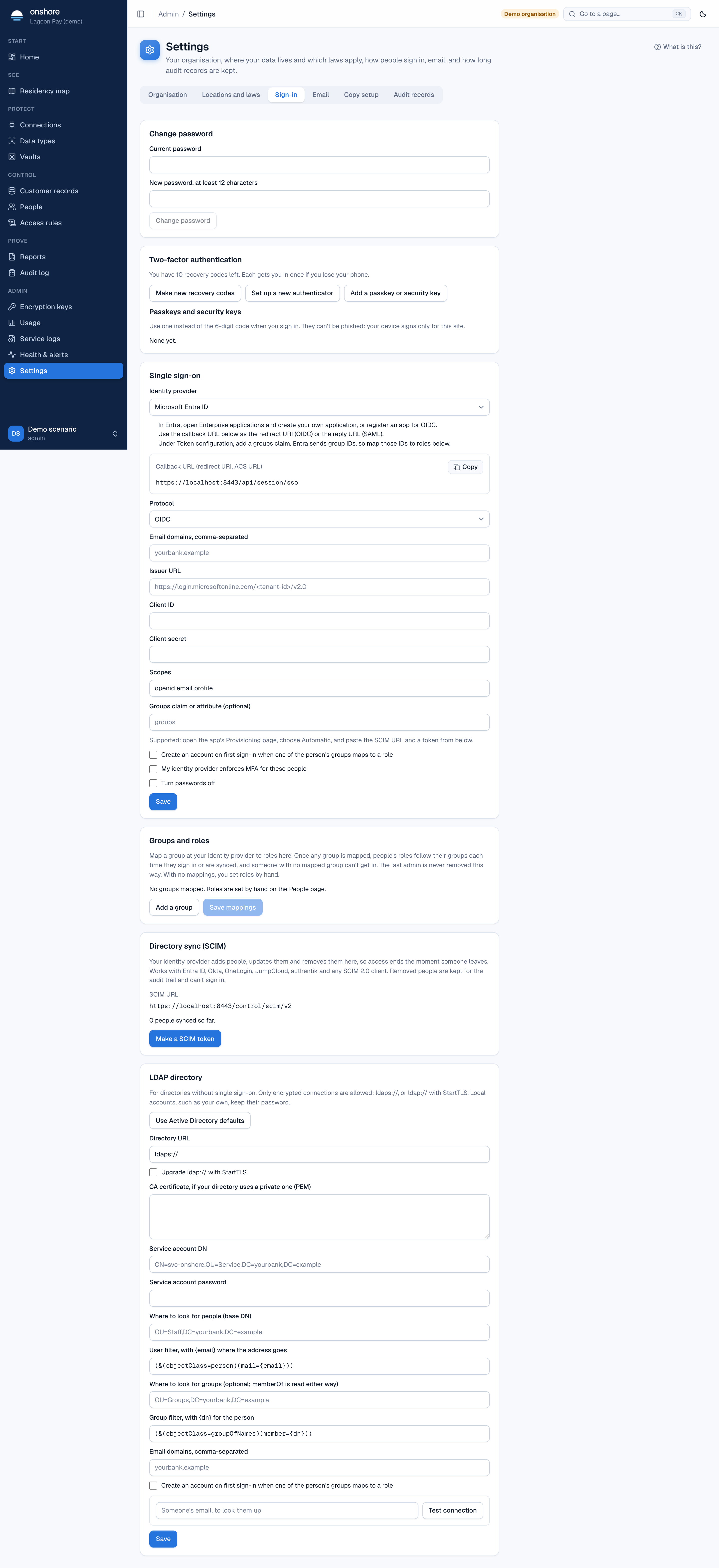
Two-factor and passkeysAuthenticator apps, recovery codes, passkeys and security keys.Single sign-onSAML 2.0 and OIDC with any provider, accounts on first sign-in, and turning passwords off.Provider guidesStep by step for Entra ID, Okta, Google, OneLogin, JumpCloud, Keycloak, authentik, Authelia and Duo.Groups and rolesLet your identity provider's groups decide roles here.SCIM provisioningYour identity provider adds, updates and removes people, so access ends the moment someone leaves.LDAP and Active DirectoryCheck passwords against your directory, with roles from directory groups.
Safety rules that always apply
- The last admin is never removed by an identity provider: if a change would leave no active admin, the admin role is kept.
- Local accounts keep their password. An admin added by hand (a break-glass account) can always sign in with their own password and code, unless you turn passwords off.
- Every sign-in and account change is in the audit log, with how it happened (password, single sign-on, LDAP, SCIM), and sends an
identity.changedwebhook where relevant.
Last updated on