Residency map
The residency map lists every system and vendor that holds or receives payment and identity data, and every flow between them. Each flow’s status is worked out from what Onshore actually sees: nobody can tick a flow green by hand. It’s the live answer to a regulator’s first question: where is the data?
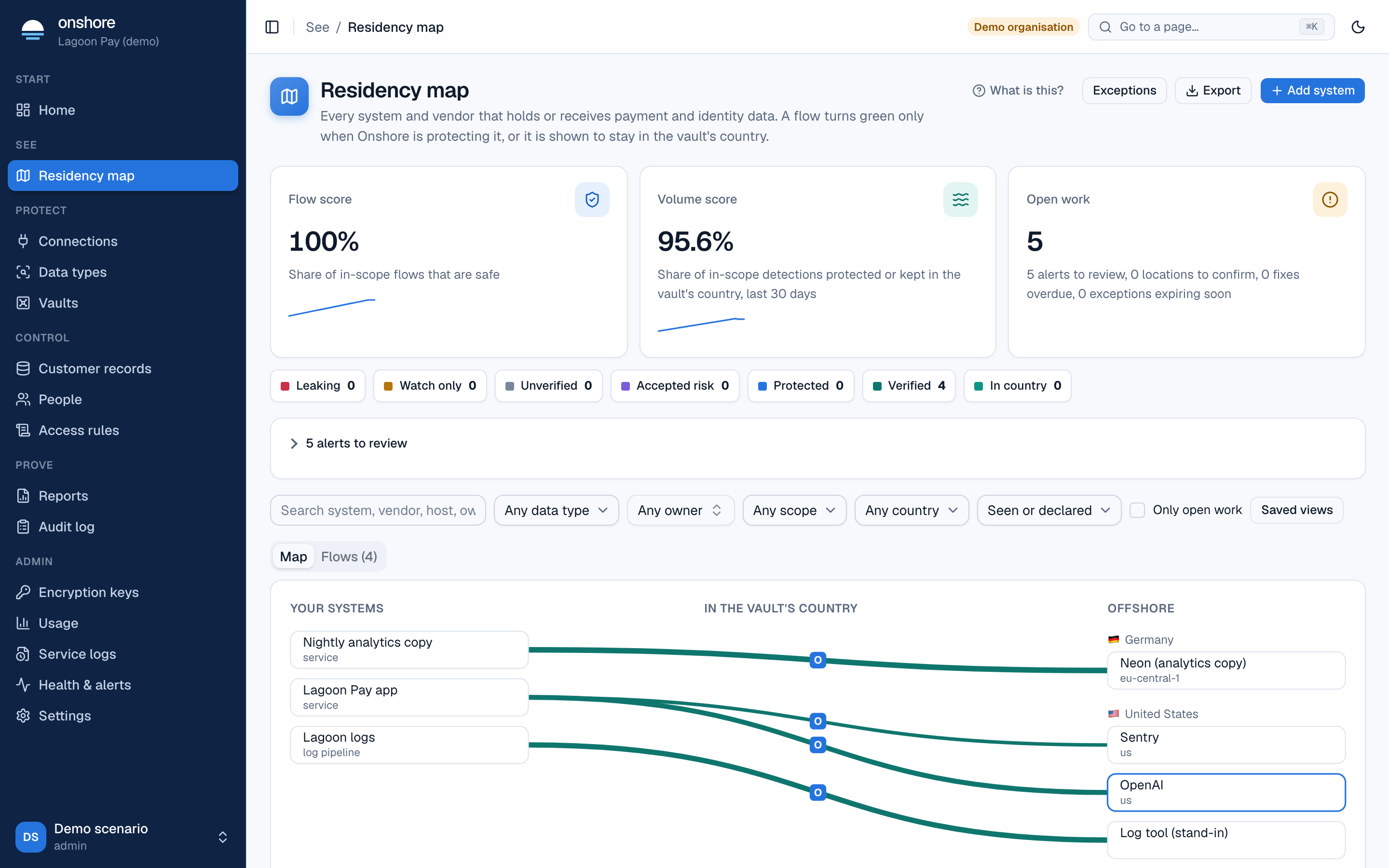
The map is off for each vault until an admin turns it on.
Reading the map
- Your systems are on the left, destinations in the vault’s country in the middle, and offshore destinations on the right, grouped by country.
- Each line is a flow, coloured by status. Thicker lines carry more data.
- Switch to Flows for a table you can sort and filter.
Scores
| Score | Means |
|---|---|
| Flow score | The share of in-scope flows that are safe: protected, verified, in country, or accepted risk. Unverified flows count against you |
| Volume score | The share of in-scope detections in the last 30 days that were protected or stayed in the country. One big leak can’t hide behind many small clean flows |
| Open work | Alerts to review, locations to confirm, fixes overdue, exceptions expiring soon |
Accepted risk counts toward the flow score, so the score without exceptions is always shown beside it.
Statuses
| Status | When |
|---|---|
| Leaking | Protecting, but something in scope passed unprotected in the last 7 days; or declared offshore holding in-scope data |
| Watch only | The connection only counts traffic. Shown as Proving clean, day 3 of 7 in the week after switching on protection |
| Protected | Protecting for 7 days or more, with nothing unprotected in the last 7 |
| Verified | Protected for 30 days in a row |
| In country | The destination is in the vault’s country, by a confirmed region or a declaration |
| Accepted risk | A second person accepted the risk, and it hasn’t expired |
| Unverified | Declared, with no location or nothing in scope |
| Retired | The flow or its connection has gone |
One unprotected detection sends a protected or verified flow back to leaking, and the 30-day clock restarts. The map updates every minute, and at once when a connection’s mode, an exception or a declaration changes.
Until someone confirms a vendor’s region or declares a hosting country, a flow counts as offshore. An IP-address lookup is shown as a hint, never used as the answer.
How flows get on the map
- Seen by Onshore. Every log pipeline, AI route and proxy route is a system. When one sees traffic to a host, a flow appears within about a minute, matched against a catalogue of vendors.
- Declared by you. Use Add system for anything Onshore can’t see, such as a data warehouse in a foreign cloud. Declared flows are labelled as declared on every screen and report.
- Checked by a job. A job Onshore isn’t in the path of (a nightly copy to a foreign database) can send a sample of each batch to be checked. See Flow checks.
Add a system
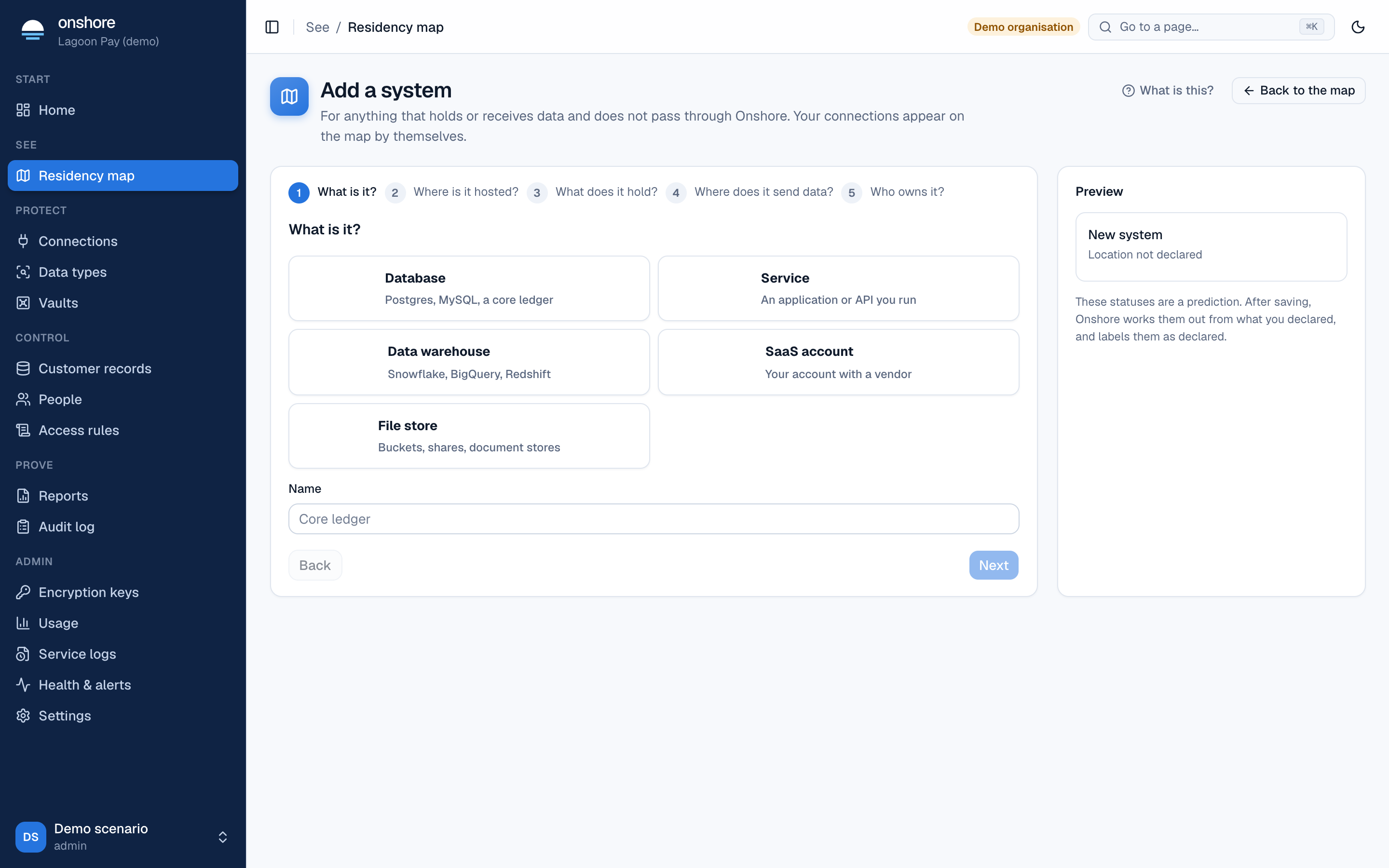
Find the vendor
Type a name such as Datadog, Freshdesk or Snowflake. If it’s in the catalogue, its known regions are offered. If not, add it as your own system.
Say where it is
Confirm the region your account uses, or choose Country and the facility if you know it. If the catalogue states no location, ask the vendor and declare it here.
Mark scope
Tick In scope if this system holds data covered by your residency definition (set under Reports).
Add flows and an owner
Say which of your systems send it data, and who owns it. Skip flows if it sends nothing onward.
Fixing a flow
Open a flow from the map or table. You can:
- Add a fix: an owner, a due date and a plan. Marking it done needs evidence: linking a connection puts the flow under Onshore, a declared location updates it, and a change reference or file is kept as proof.
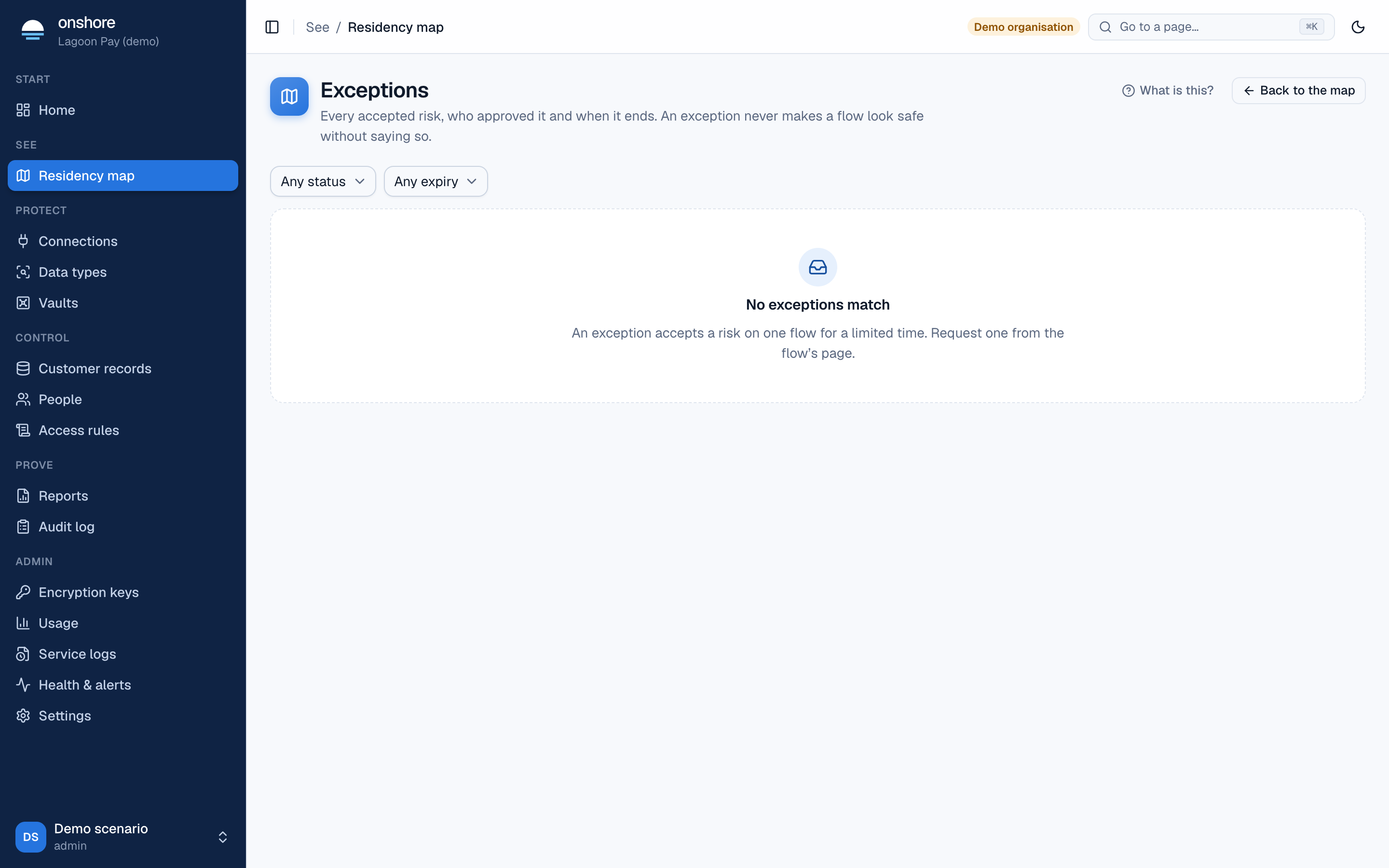
- Request an exception: accept the risk for a time. Someone other than you must approve it, and it lasts at most 180 days (an admin can change the limit). When it ends, the flow goes back to whatever the evidence says.
Export
Select Export for CSV or JSON of flows, systems, exceptions or fixes, with stable IDs so a governance tool can refresh them. A signed bundle includes a manifest signed by your audit key.
Who can do what
| Role | Can |
|---|---|
| Admin | Everything, including turning the map on |
| Compliance, map editor | Declare systems and flows, add fixes, request exceptions |
| Admin, exception approver | Approve and revoke exceptions, never their own |
| DPO, engineer, exception approver | Read |