Secure components
Every system an ID number passes through has to be defended. Secure components are forms and reveal boxes that sit in a frame served by your own vault. The customer types into the frame; your page and your servers get a token back, and never see the value.
Turn them on
List the allowed sites
In Vaults, open Secure components and list the exact sites allowed to show the frame, one per line, such as https://app.yourbank.example. Mobile apps use rvapp:// and their app ID, such as rvapp://com.example.wallet.
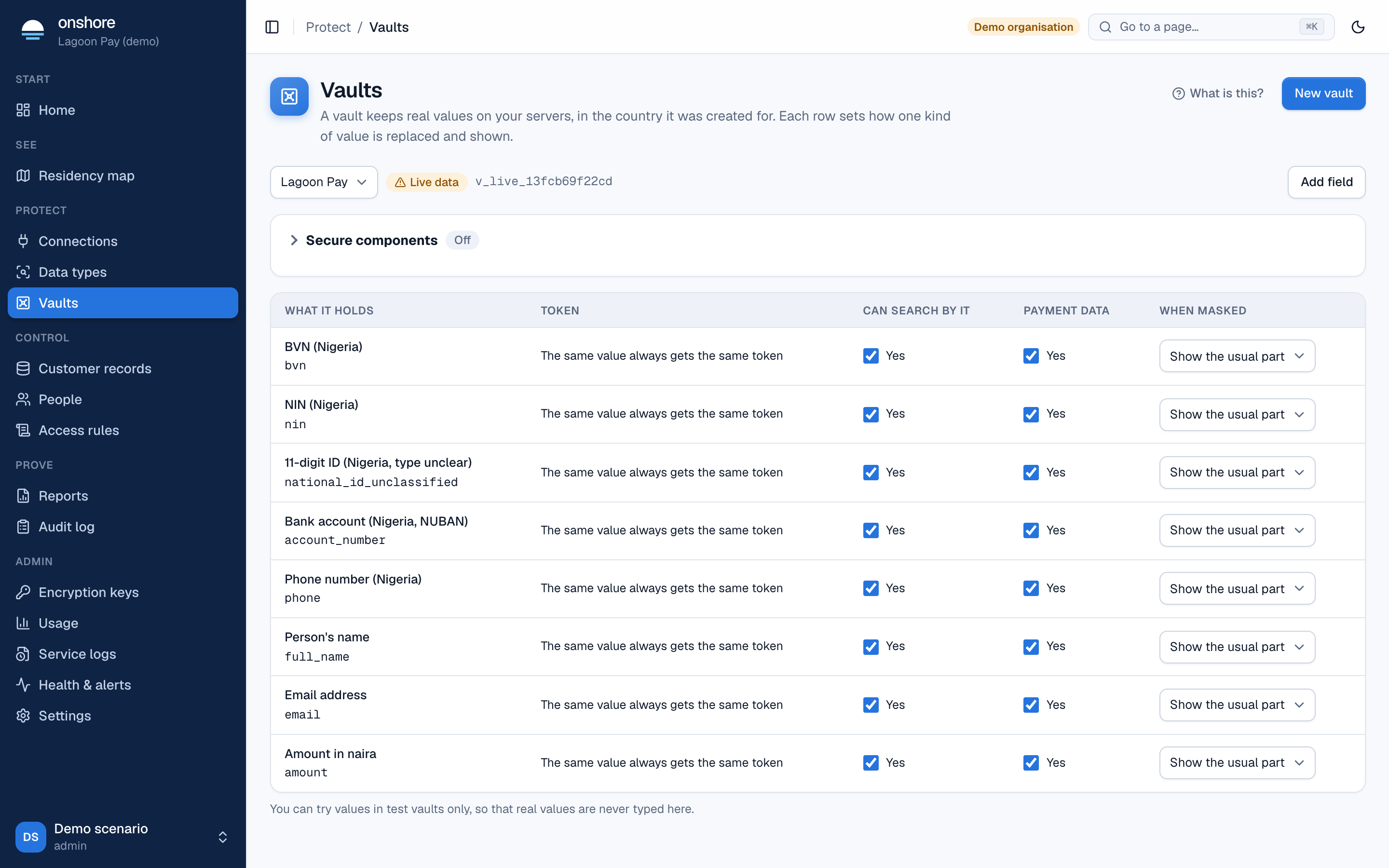
With no list, components are off. Wildcards are refused. http://localhost is allowed on test vaults only. Select Save sites.
Allow the action
The service account your server uses needs an access rule allowing tokenize (to collect) or detokenize (to reveal).
Add the code
Your server mints a single-use client token, and your page mounts the form. See Collect and reveal in the front end, and the web, iOS, Android and React Native references.
What protects the value
- The frame is a different origin, so your page’s scripts can’t read what’s typed or shown, even if your page is compromised.
- Client tokens are single use, last 2 minutes by default (10 at most), and are tied to one site and named fields.
- Access rules are checked again when the token is used. Removing a site or suspending a service account stops tokens already issued.
- A typo shows inside the frame and doesn’t use the token up, so the person can correct it.
- A revealed value hides itself after a time you choose (30 seconds by default, up to 300).
You decide who may ask for a reveal. The vault doesn’t know your end users: your server must check that this person may see this record before it mints a token.
Not protected against
- A stolen reveal token used outside a browser. Bind the token to the person’s IP address where you can.
- A compromised page drawing a fake form beside the real one.
- Malware on the person’s device.
- On mobile, a hostile library in your own app: apps have no boundary like a browser frame. See the iOS, Android and React Native SDKs.