Support tools
Customers type ID and account numbers straight into support chats, and those conversations live on a vendor’s servers. A support tool adapter replaces identifiers in tickets as they arrive. A permitted agent can reveal a value straight from the vault, with a stated reason.
| Tool | State |
|---|---|
| Freshdesk | Most tested, with watch only and protecting modes |
| Zoho Desk, Salesforce, Intercom | Built and ready for a live trial |
Adapters have been tested against stand-ins, not yet live vendor accounts. Try one as watch only on a test ticket first.
Connect a tool
Start
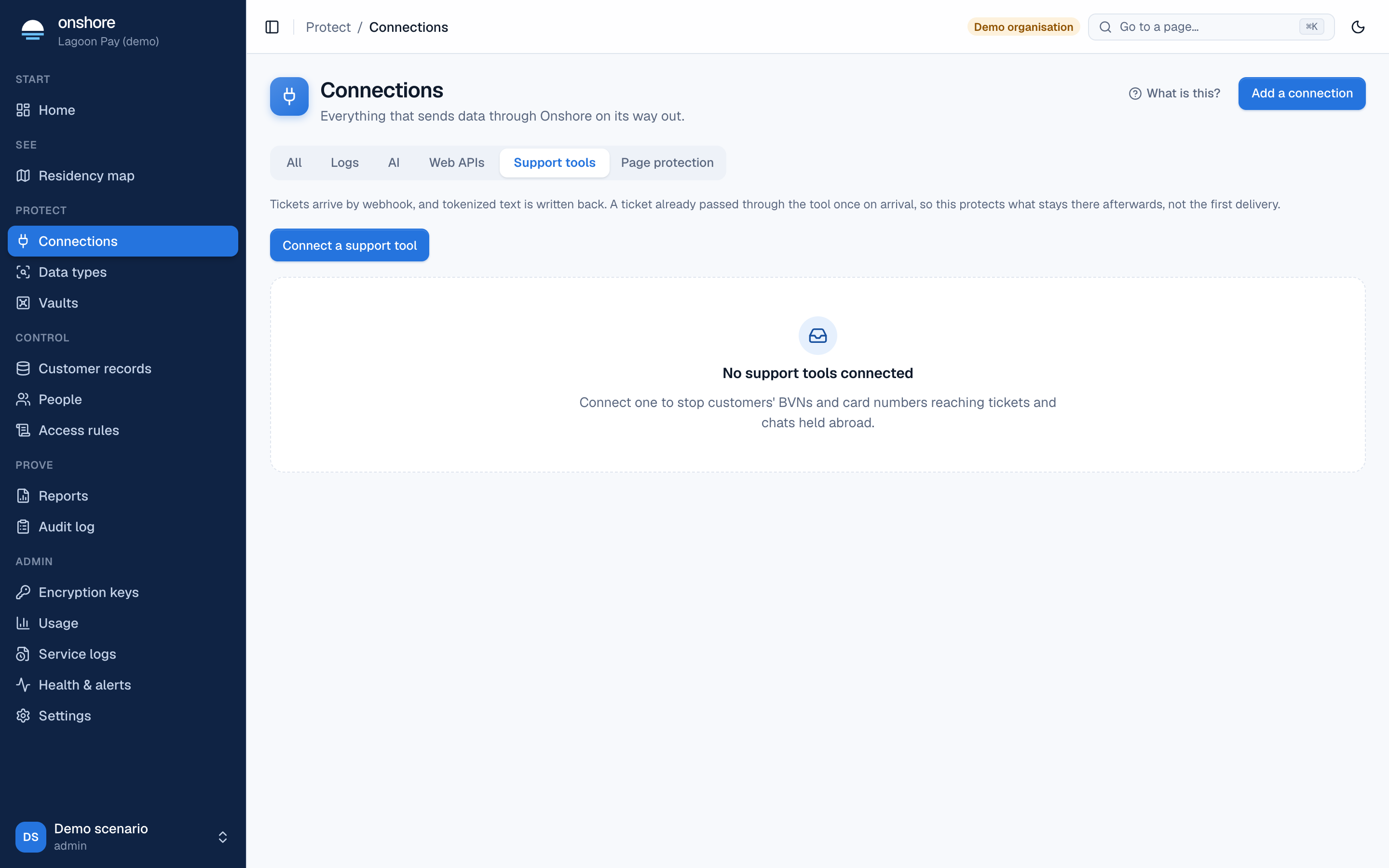
In Connections → Support tools, select Connect a support tool.
Fill in the form
Choose the vault, a name, the tool, and the tool’s base URL. Depending on the tool, also its app client secret (which signs webhooks), an admin ID for notes, or an organisation ID. Select Connect.
Point the tool’s webhook at Onshore
You get a webhook address and webhook secret. In your support tool, create a webhook for new and updated tickets pointing at that address, sending the secret in the X-RV-Webhook-Secret header.
Watch, then protect
In watch only, tickets stay as written and are only counted. Turn protection on overwrites identifiers in ticket text with tokens.
Turning protection on overwrites ticket text in the support tool, and this can’t be undone from Onshore.
Revealing a value
Agents see tokens or masked values in the same tool. A sidebar app asks a permitted agent why (a ticket number or purpose), checks the access rules, and shows the value from the vault. It hides itself again. The reveal and its reason go in the audit log.
Limits
- A ticket passes through the vendor once before its webhook fires, so this reduces what the vendor keeps; it doesn’t stop that first copy.
- Intercom’s text can’t be edited, so it’s redacted and re-added as a note.
- In-house CRMs can use the HTTP proxy instead.