Onshore documentation
Onshore keeps your customers’ sensitive data in the country it belongs to, while the tools you already use — log platforms, AI models, helpdesks, analytics, vendor APIs — keep working. It does this by swapping national IDs, bank accounts, phone numbers, names and amounts for tokens before data leaves, and keeping the real values encrypted in a vault in that country, behind access rules you control. Every access is written to a tamper-evident audit log, so you can prove it.
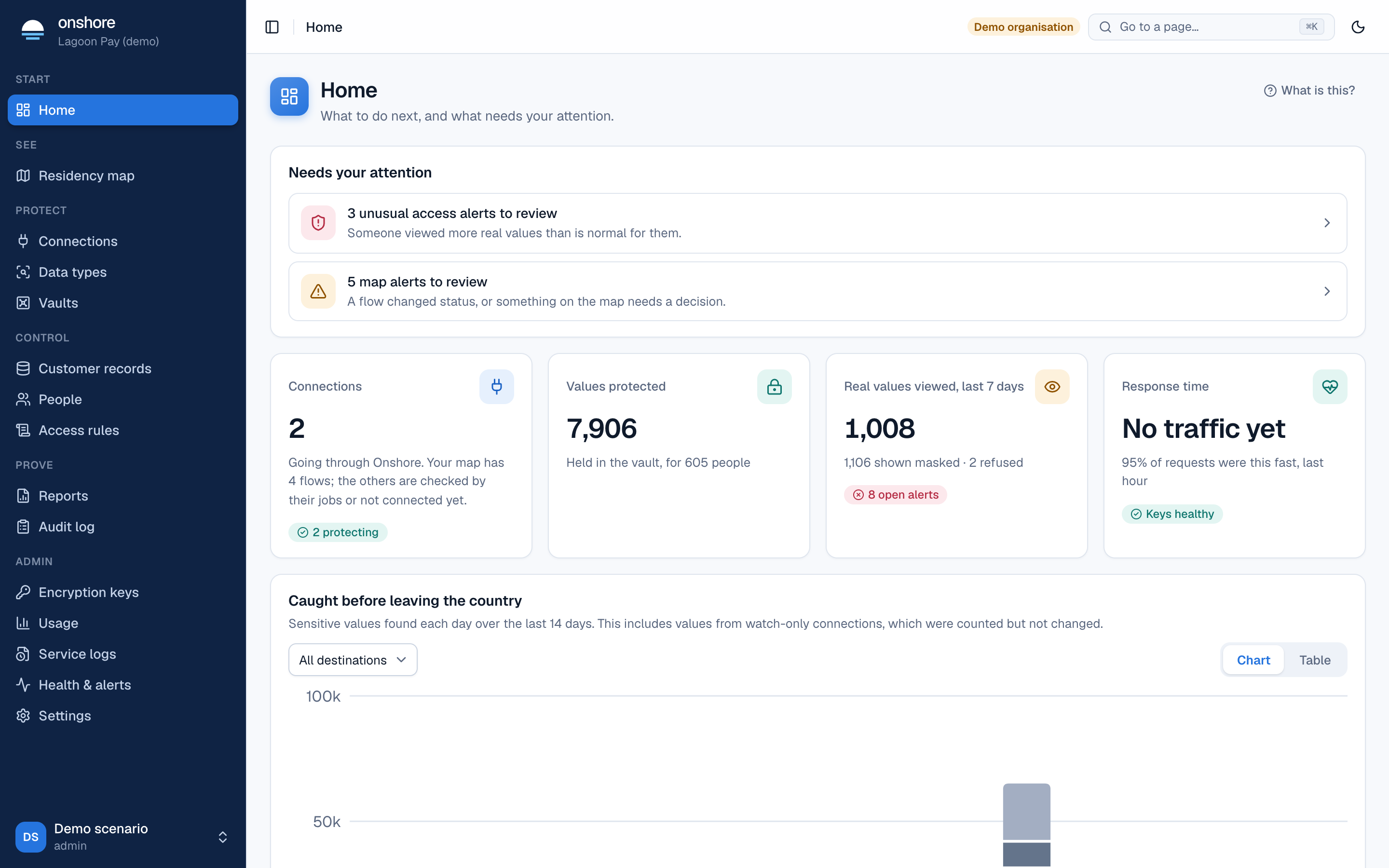
Where to start
Who these docs are for
| You are… | Read |
|---|---|
| A compliance, risk or data protection lead deciding whether Onshore fits | What Onshore is, Countries and laws, Reports, Security model |
| An admin setting Onshore up for your organisation | First-time setup, People and roles, Access rules, Sign-in and identity |
| A support or operations person using the console every day | Console tour, Customer records, Audit log |
| A developer connecting your systems | Developers, SDKs, Data API |
| An engineer running the servers | Run it yourself, Configuration, Keys and unsealing |
Editions at a glance
Onshore is open source. The same software runs in every edition:
- Free — self-hosted, one country per install, every product.
- Enterprise — self-hosted, with linked installs in several countries under one console, single sign-on, SCIM and LDAP, and support.
- Onshore Cloud — we run it for you, with a region in each country we open.
See Editions for the full comparison.
Onshore is in early access. It hasn’t had an independent penetration test yet, and some parts have only been tested against stand-ins for real vendors. Don’t load real customer data until the items in Known limits that matter to you are closed.