Redact a file
Sensitive data doesn’t only live in text. Redact a file finds identifiers in a PDF, an image or an audio recording and gives you a copy with them removed.
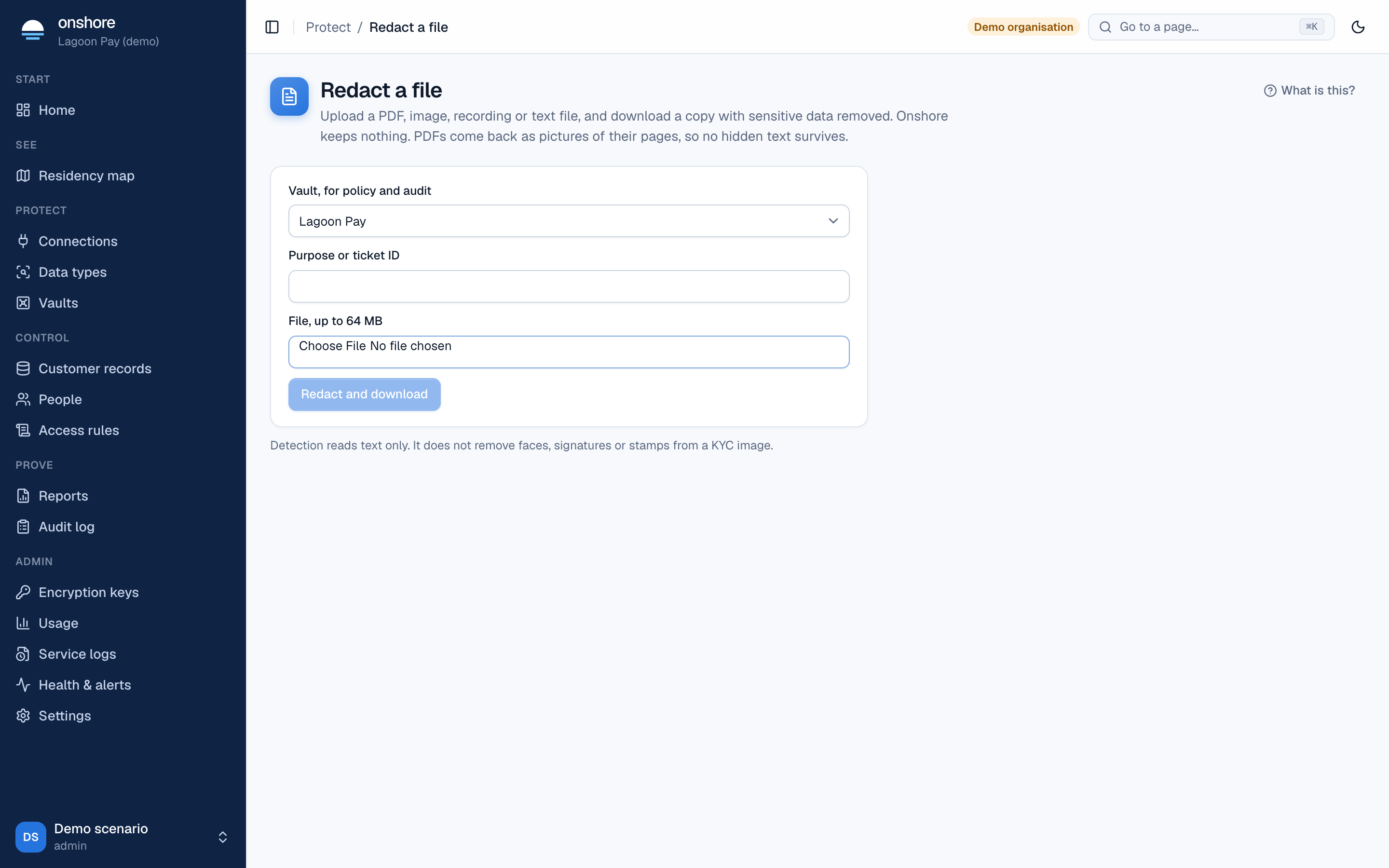
Choose the vault
The vault decides which data types are looked for and which access rules apply.
Give a purpose
Such as a ticket number. It’s recorded in the audit log.
Choose the file
Up to 64 MB. Select Redact and download.
| File | What happens |
|---|---|
| Pages are read, painted over and rebuilt, so covered text can’t be copied back out | |
| Image | Text is read from the scan or photo, and matches are painted over |
| Audio | The recording is transcribed, and segments holding identifiers are silenced |
Speech and image processing run inside your install: files aren’t sent to an outside service. Your own data types apply too. Every redaction is in the audit log.
Early access. Text and speech are redacted, but not faces, signatures or stamps. Poor scans are flagged as low confidence. Speech uses an English model and hasn’t been tested on other languages or accents. Review results before relying on them.
Developers can redact files through the API or the HTTP proxy. Only roles an access rule allows (file_redact) can use this page; by default the DPO and compliance roles.