Connections
A connection puts Onshore in the path of data that would otherwise leave the country: your logs on their way to a log vendor, prompts on their way to an AI model, requests to a vendor API, tickets in a helpdesk. Connections lists them all, with what each has caught.
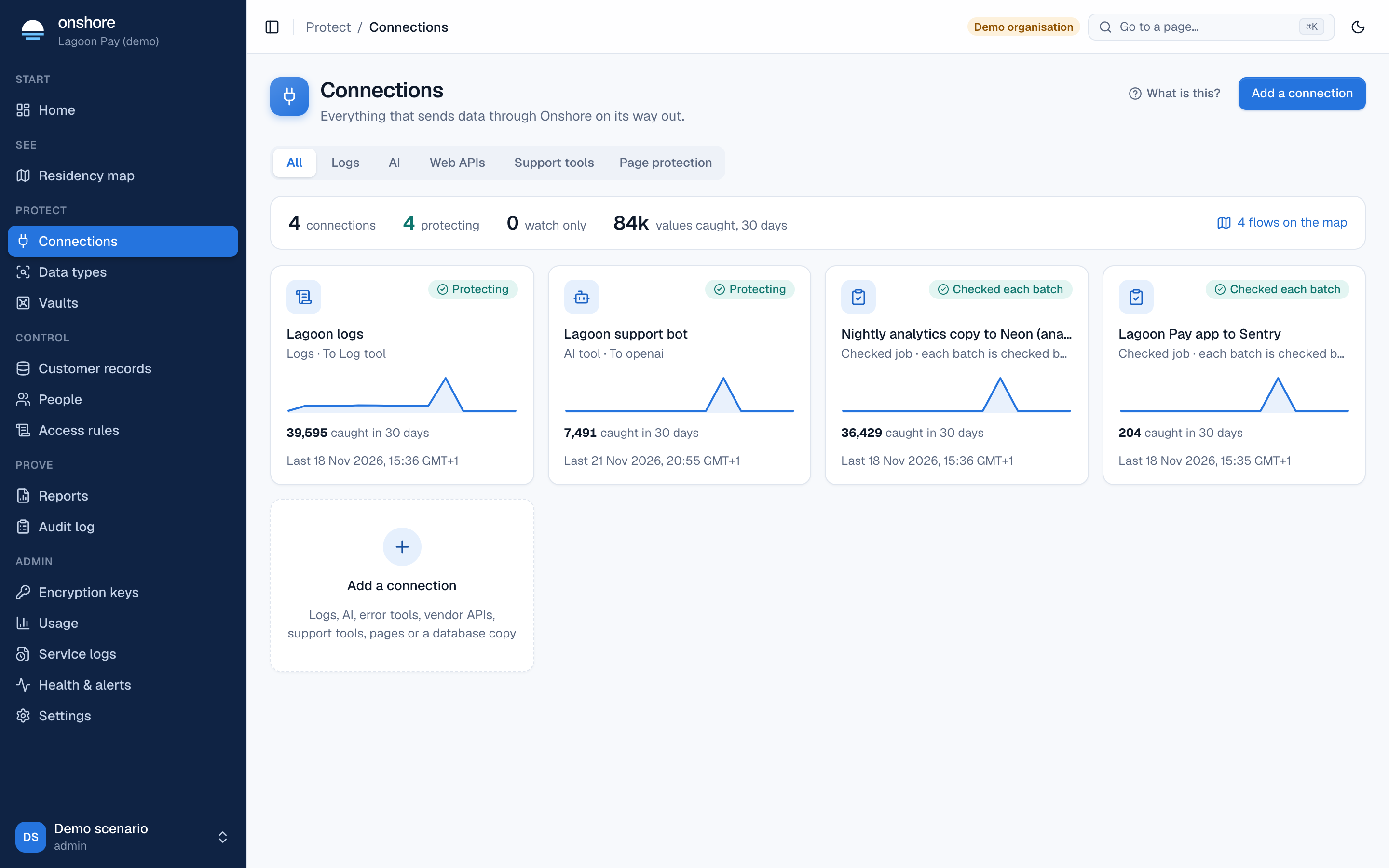
The summary line shows how many connections there are, how many are protecting, how many are watch only, and how many values were caught in 30 days. flows on the map opens the residency map.
Each card shows the connection’s kind and destination, its status, a 30-day chart of values caught, and when it last saw traffic.
Watch only, then protecting
Every connection starts as watch only: it counts what would have left the country, and changes nothing. When the counts look right, open it and select Turn protection on. Back to watch only reverses it, and the residency report records both.
Add a connection
Select Add a connection to choose what to protect.
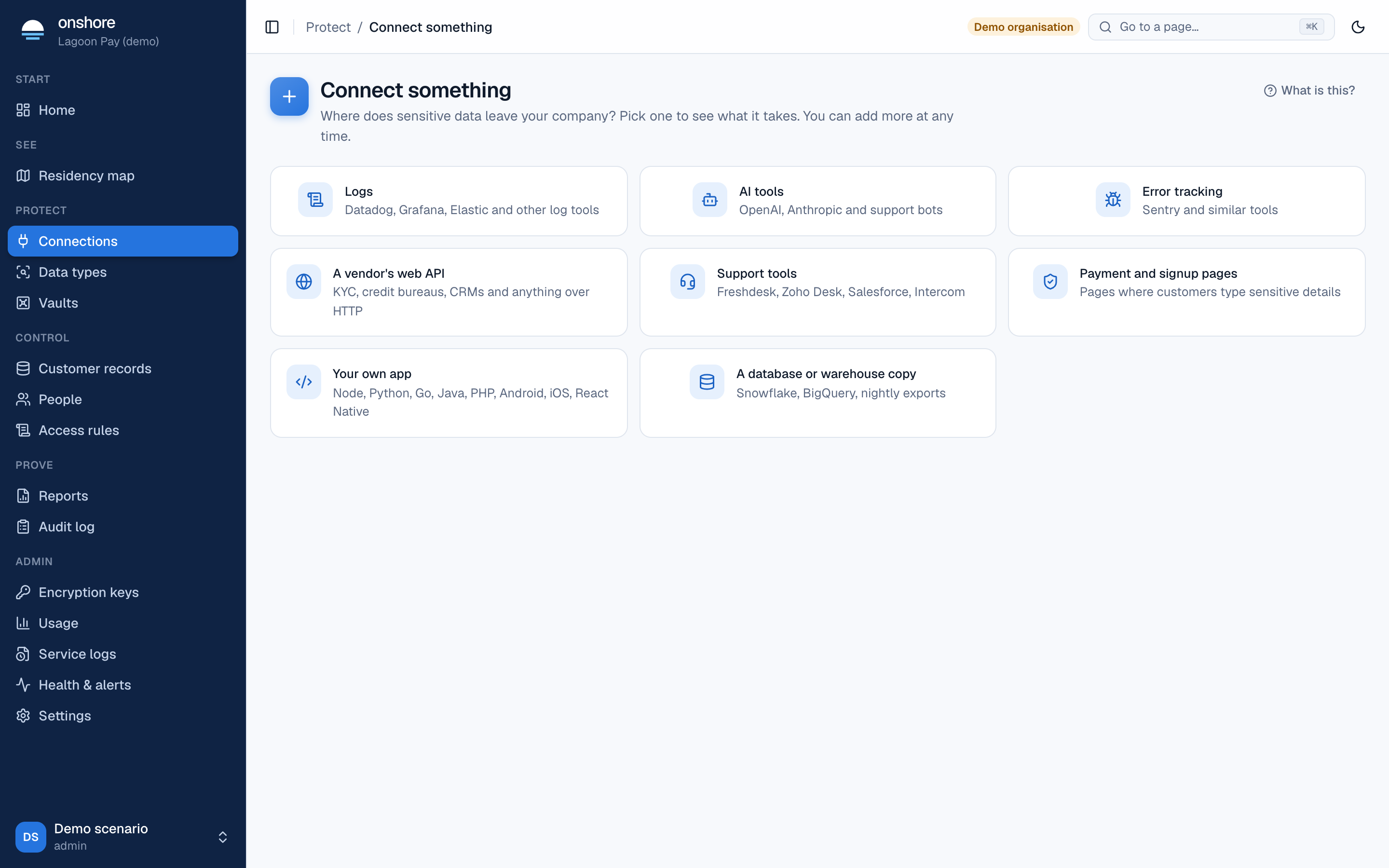
Each choice says what it stops, what you need, and what happens:
| Choice | Guide |
|---|---|
| Logs, error tools (OpenTelemetry, Fluent Bit, Vector) | Logs |
| AI tools and chatbots | AI gateway |
| Vendor and partner APIs | Web APIs |
| Freshdesk, Zoho Desk, Salesforce, Intercom | Support tools |
| Checkout and sign-up pages | Page protection |
| A job that copies data abroad | Flow checks |
Legal ground
Every log pipeline, AI route, proxy route and support tool has a legal ground for sending this data abroad, which appears in the residency report:
- Not assessed yet (the default)
- Tokens only: counsel advises no personal data leaves
- Adequacy decision
- Instrument approved by your data protection authority
- Another lawful ground for transfer
Onshore doesn’t choose a ground for you: record what your counsel advised.