Web APIs (HTTP proxy)
Older bank and verification APIs, and vendors you can’t change, still need to work. The HTTP proxy goes in front of an API. Rules name the fields to tokenize on the way out and restore on the way back, across JSON, forms, XML and SOAP, multipart uploads and headers. Whatever it can’t read in full, it doesn’t forward.
Create a route
Start
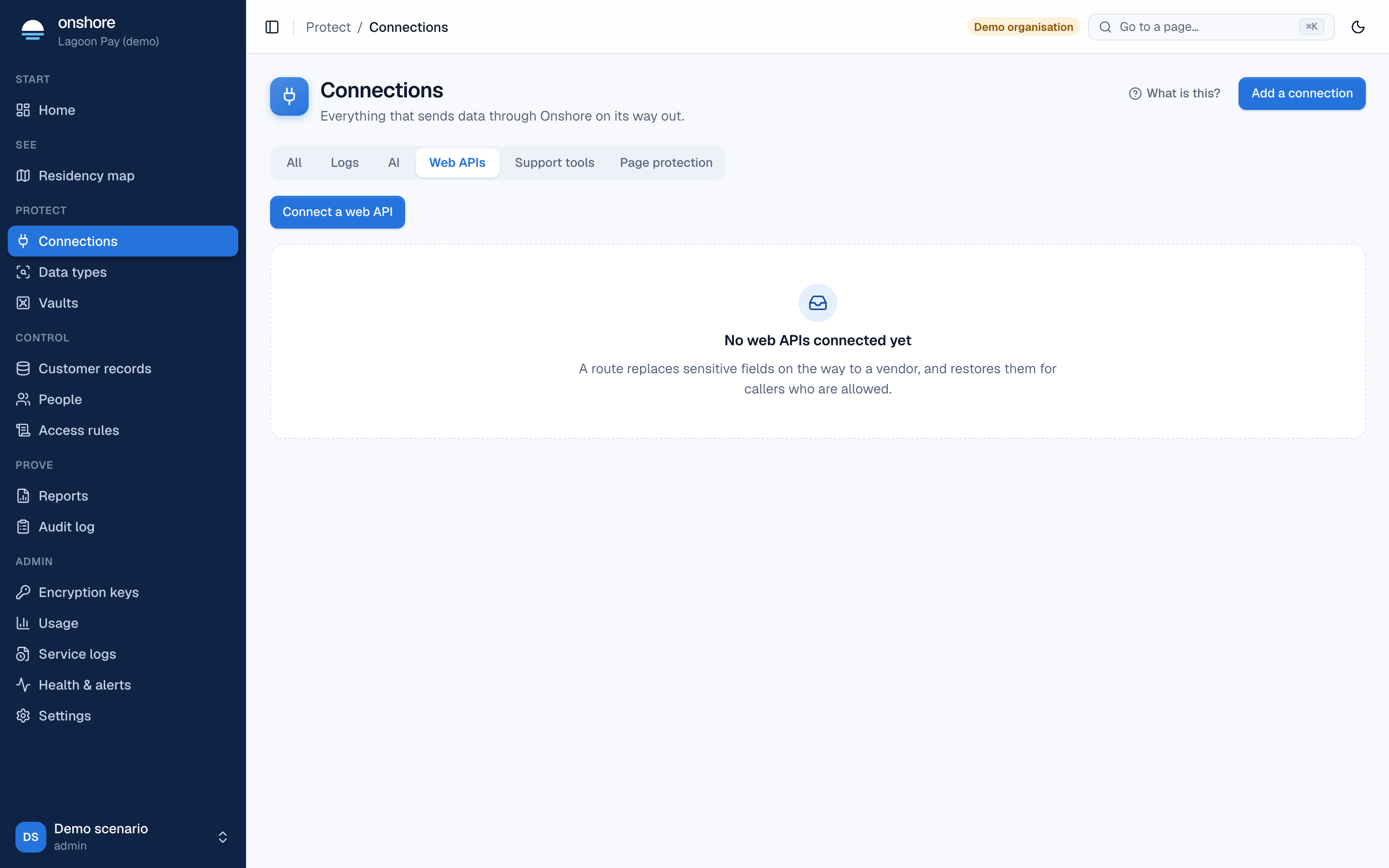
In Connections → Web APIs, select New proxy route.
Describe the route
| Field | Choices |
|---|---|
| Direction | Inbound: tokenize before your server or vendor. Outbound: restore for a third party that needs real values |
| Method and Path | The request this route handles |
| Destination URL | The real API, https://… |
| Mode | Process and store: the value is vaulted and a token forwarded. Process only: a token is forwarded and nothing is stored |
| Headers | Headers to tokenize or restore, such as X-Customer-BVN |
| PDFs, images and other files | Refuse them (default), Redact PDFs and images, refuse the rest, or Send them unread (each counted as uninspected) |
| Also catch identifiers no rule names | Detection on top of your rules |
Choose fields with a sample
Paste a sample request with made-up values and click the values to tokenize. The preview shows what is sent on to the destination. Do the same with a sample response for values to restore.
Use the route
You get an address to call and a route key. Swap the vendor’s URL for the route’s in your app, and send the key in X-RV-Route-Key.
# Before: https://api.kyc-vendor.example/v2/verify
curl https://vault.yourbank.example/proxy/$ROUTE_ID/v2/verify \
  -H "X-RV-Route-Key: $ROUTE_KEY" -H "Content-Type: application/json" \
  -d '{"customer":{"national_id":"AB123456C"}}'
# The vendor receives {"customer":{"national_id":"tok_uk_nino_…"}}
Formats
Rules use paths:
| Body | Path examples |
|---|---|
| JSON | $.customer.national_id, $.items[*].id |
| Forms | $.bvn, $.customer.bvn for customer[bvn] |
| XML and SOAP | $.Envelope.Body.Check.BVN, $.Check.@id for an attribute. Namespaces, order and whitespace arrive as sent |
| Multipart | Each field and text file is read; binary parts follow the file setting |
| Plain text, CSV | Detection only. A route with field rules refuses it |
What the bytes are decides, not the label: text labelled as an image is read as text. Full detail, including what’s refused and why: HTTP proxy formats.
Detection also reads request headers and every query parameter, skipping credentials such as Authorization. Values in the URL path aren’t checked, because rewriting a path would break the request.