Audit log
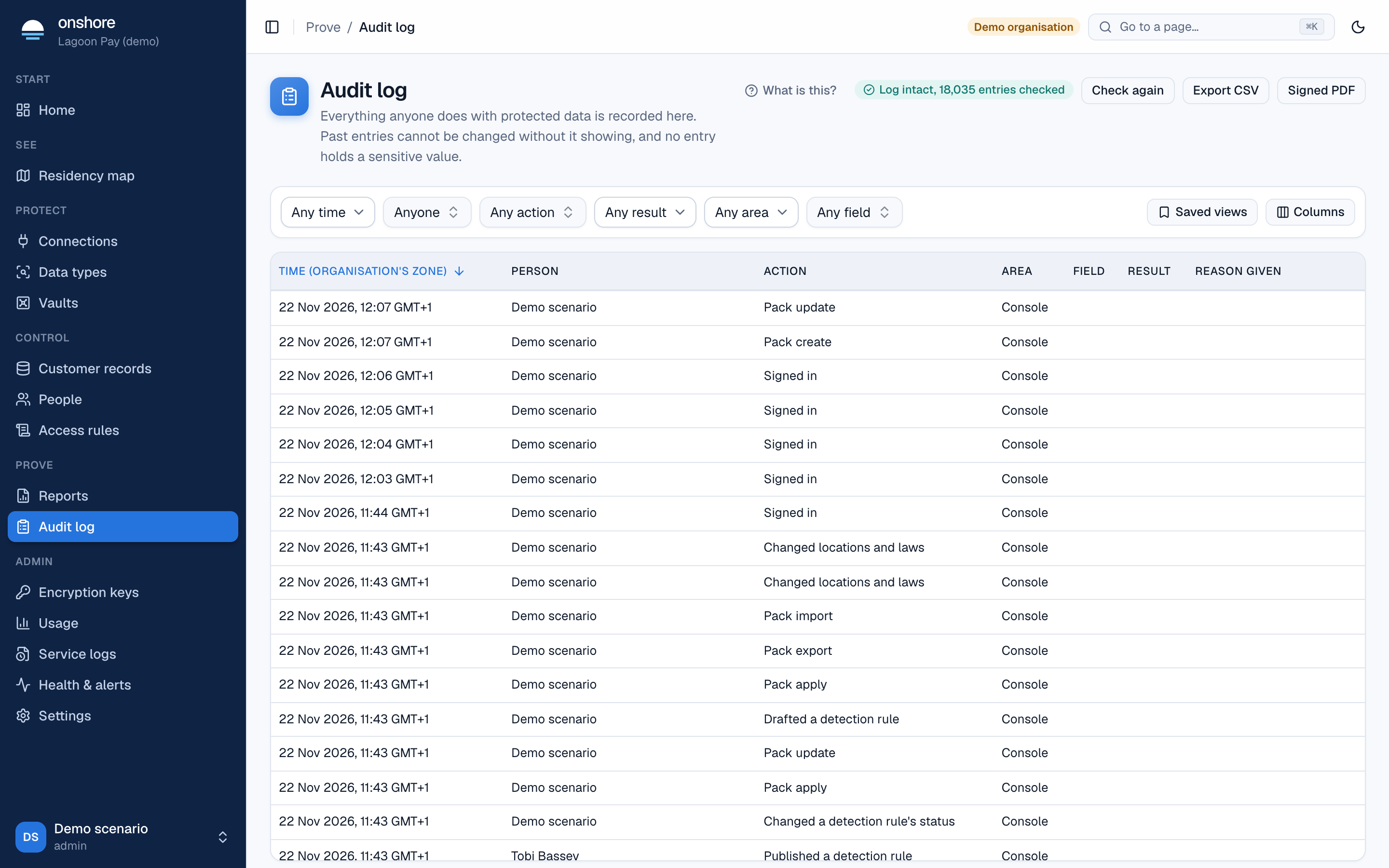
Every store, reveal, refusal, export, erasure, sign-in and setting change writes an entry to the audit log: who did it, what, when, from which network, why (the purpose they gave), and the result. No entry ever holds a sensitive value.
Finding entries
Filter by when, person, action and result (such as revealed, masked, refused). Select an entry to see its full detail, including the request ID you can use in Service logs.
Export CSV downloads what you’ve filtered. Signed PDF produces a signed extract.
Why you can trust it
- Append-only: entries are only ever added.
- Hash-chained: each entry includes the fingerprint of the one before. Changing or deleting any entry breaks the chain from that point on.
- Signed checkpoints: the chain’s position is signed every day.
- SIEM copy: send each entry to your own security monitoring tool as it happens (Settings → Audit records). That keeps a copy outside Onshore’s database.
Checking the chain
Reports show whether the chain verified for their period. The full test suite also checks for tampering on a live database.
Between daily checkpoints, someone with database-owner rights could rewrite recent entries unless a SIEM copy is configured. Configure one for production.
How long entries are kept
Seven years by default. An admin can change this under Settings → Audit records (at least 365 days). Old entries are removed only once a signed checkpoint covers them.